
Brain dump to Review Tasks
Type, speak, or paste messy thoughts and Nudge turns them into editable Review Tasks with titles, priorities, schedules, notes, and checklists.
Available now on iOS
Turn messy brain dumps, photos, reminders, habits, and calendar context into clear Project Tasks you can review before they land on your board.


Built for scattered days
Nudge keeps AI helpful but reviewable: it can create, update, enrich, and recommend tasks without taking control away from you.
Type, speak, or paste messy thoughts and Nudge turns them into editable Review Tasks with titles, priorities, schedules, notes, and checklists.
Today, urgent, overdue, reminders, habits, tasks, and recently created work are grouped so the next useful action is easier to spot.
Recurring Project Tasks reopen by occurrence, with completion history tracking what happened instead of relying on a fragile done flag.
For reminders that need more weight, Nudge can use alarm-backed reminders separately from ordinary notification nudges.
Tell Nudge what changed and it can suggest task updates, completions, or deletions while keeping the review step visible.
Give Nudge your available time and it recommends an ordered plan from your current open tasks without silently mutating the board.
Useful details like context, links, locations, and planning notes can be pulled into tasks so they are more than bare reminders.
Snap or upload readable notes, lists, or documents and Nudge can refine the OCR text into a planning transcript for the AI composer.
How it works
Nudge is built around a simple promise: AI can help organize the mess, but you approve what becomes part of your day.

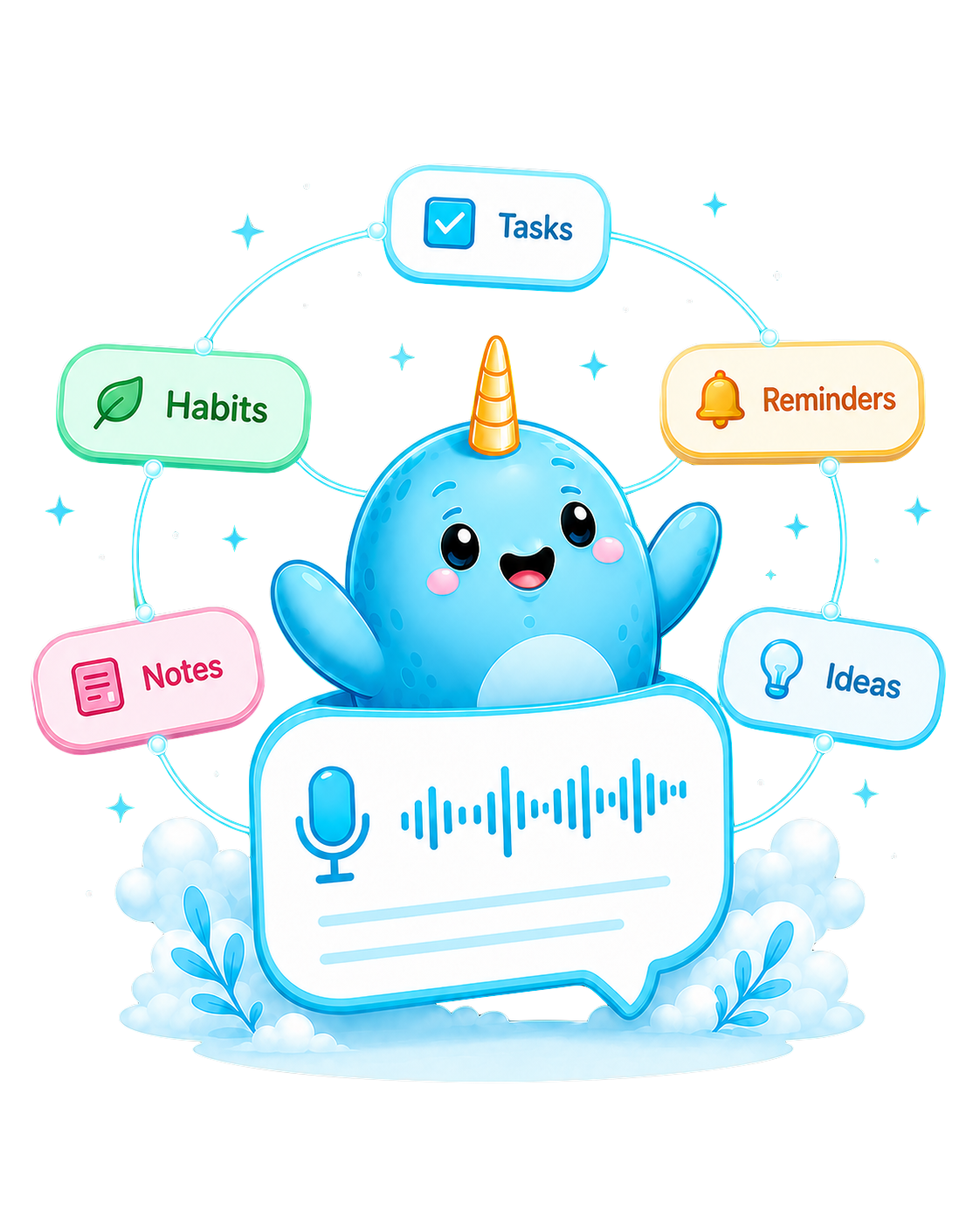
Capture
Voice notes, typed brain dumps, image text, and quick requests all become planning context.
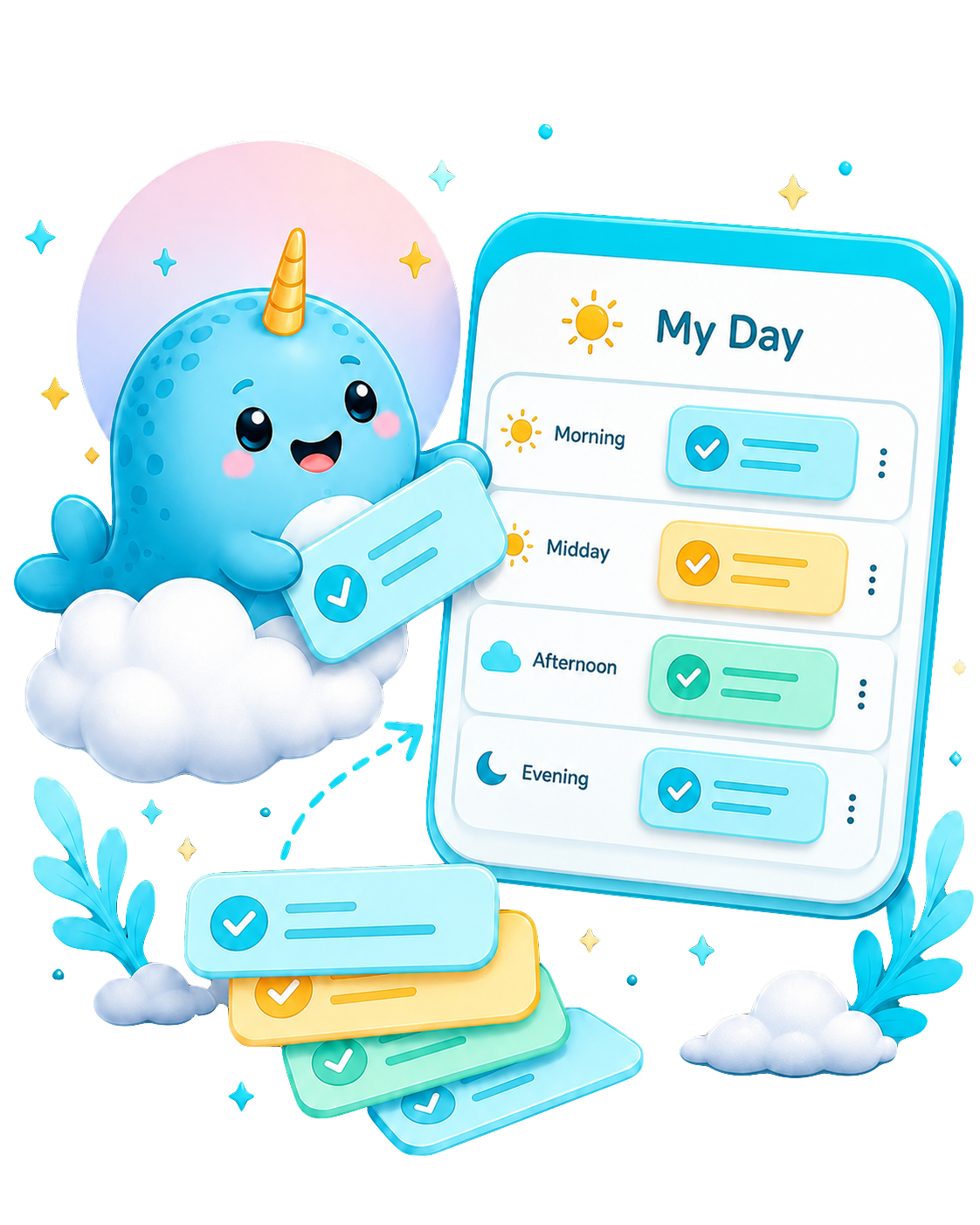
Organize
The board keeps active work and recurring behavior understandable without mixing every kind of repeat together.
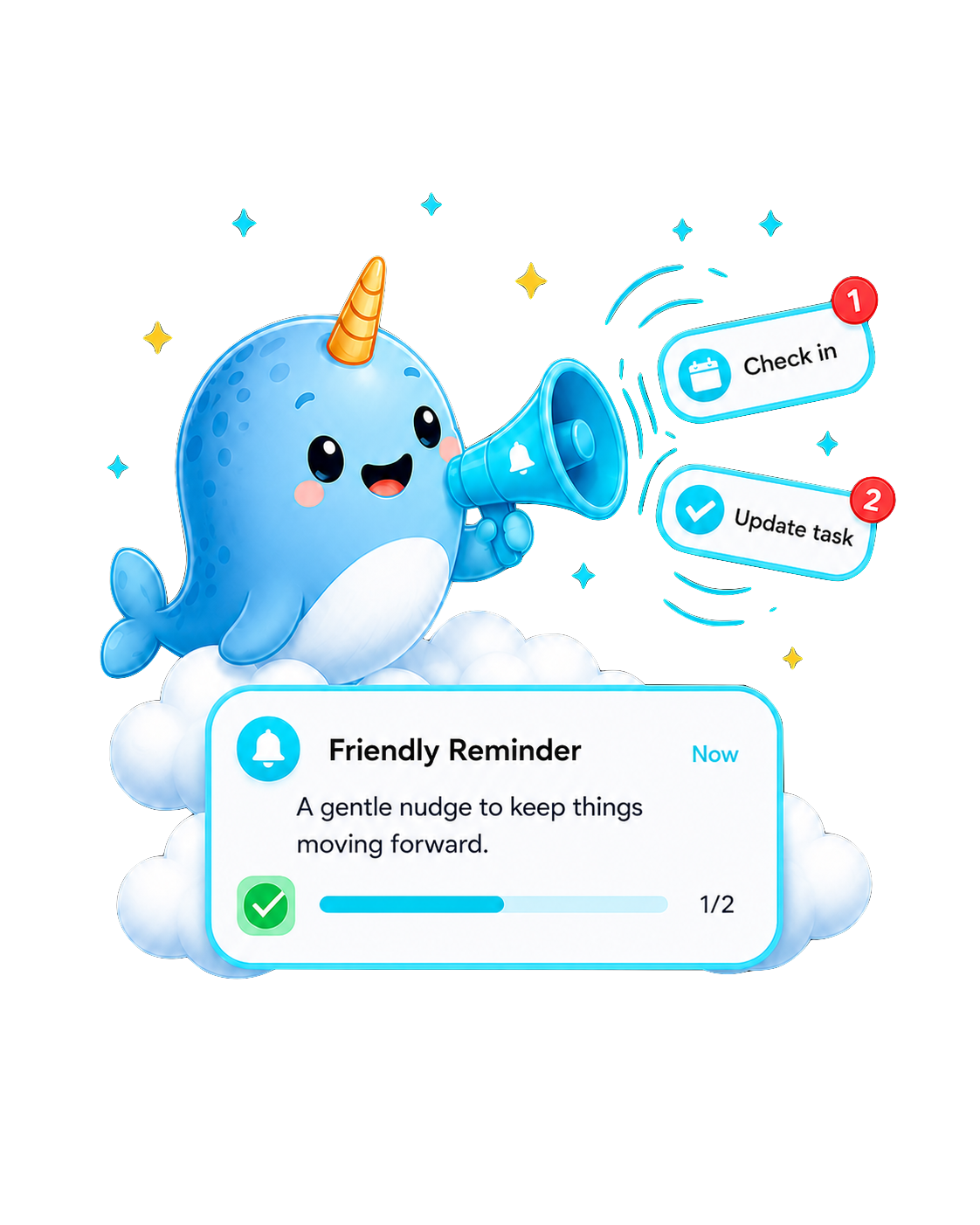
Follow through
Follow-Up Check-Ins help you update plans when real life has already moved the pieces around.
Around your day
Keep your plan nearby with Home Screen widgets, jump into Quick Add, or use Ask Nudge through Siri and Shortcuts when opening the app would slow you down.
Product principles
Nudge is designed for explicit review, contextual permissions, and sync-aware planning. Your board stays responsive, account-backed features can support sync and backup, and AI outputs stay editable before they become your plan.
AI suggestions become Review Tasks before they become Project Tasks.
Recurring tasks and recurring reminders stay separate, so habits and notification schedules do not blur together.
Persona, follow-up, alarm, and card-style preferences shape the experience without hiding the underlying task logic.
For the important stuff
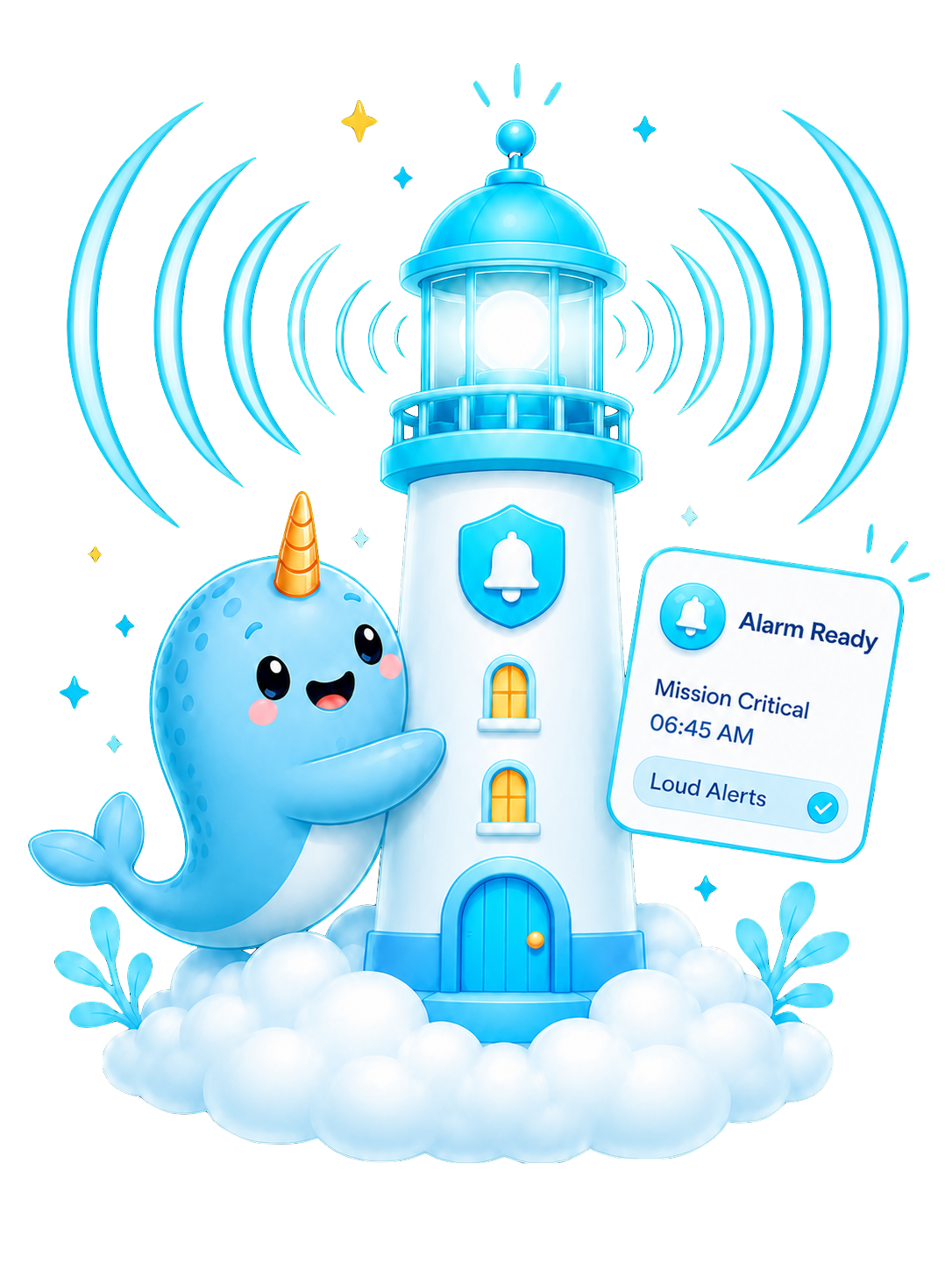
Some reminders should be gentle. Some should be harder to miss. Nudge supports both ordinary notifications and alarm-backed reminders, with permissions requested in context.
Pricing
Plans map to the current in-app subscription tiers. Paid subscriptions renew through App Store settings and can be canceled anytime.
$0/mo
Free to start
For trying Nudge, building your board, and using starter AI help.
$3/mo
Billed monthly
For regular planning with more room for AI Tasks, Smart Planner, and Task Enrichment.
$8/mo
Billed monthly
For heavier daily usage, deeper task management, and more frequent AI planning sessions.
FAQ
Short answers on AI review, reminders, photos, widgets, accounts, and where your data may go.

Nudge is an AI-powered task planner that turns brain dumps, notes, reminders, habits, and daily context into reviewable tasks and plans.
Yes. AI-proposed tasks go through a review step first, so you can approve, edit, or ignore suggestions before they are saved to your board.
Nudge can draft tasks with titles, categories, priorities, schedules, reminders, checklists, notes, locations, phone numbers, hours, and URLs when those details are present or useful.
Nudge can process readable images through OCR, refine the extracted text into a planning transcript, and add that text to the AI composer for review.
Follow-Up Check-Ins let you describe what changed. Nudge can suggest updates, completions, new tasks, or deletions while keeping the result reviewable.
Smart Planner recommends an ordered plan from your available time and current open tasks. It is recommendation-only, so it does not silently change your tasks.
Recurring tasks are tracked by occurrence and completion history. Completing today does not permanently finish the whole habit.
Alarm reminders are for tasks that need stronger attention than a normal notification. Nudge treats alarm permission separately and asks in context.
Nudge includes widgets for tasks, habits, and Quick Add, plus an Ask Nudge shortcut for creating or updating tasks through Siri and Shortcuts.
Nudge keeps task creation responsive on device and may sync or back up data through account-backed services when those features are available or enabled. AI features may send transcripts and relevant planning context to AI service providers.
Ready for a clearer day?
Nudge is available now on the App Store. Send us a note and we'll get back to you.